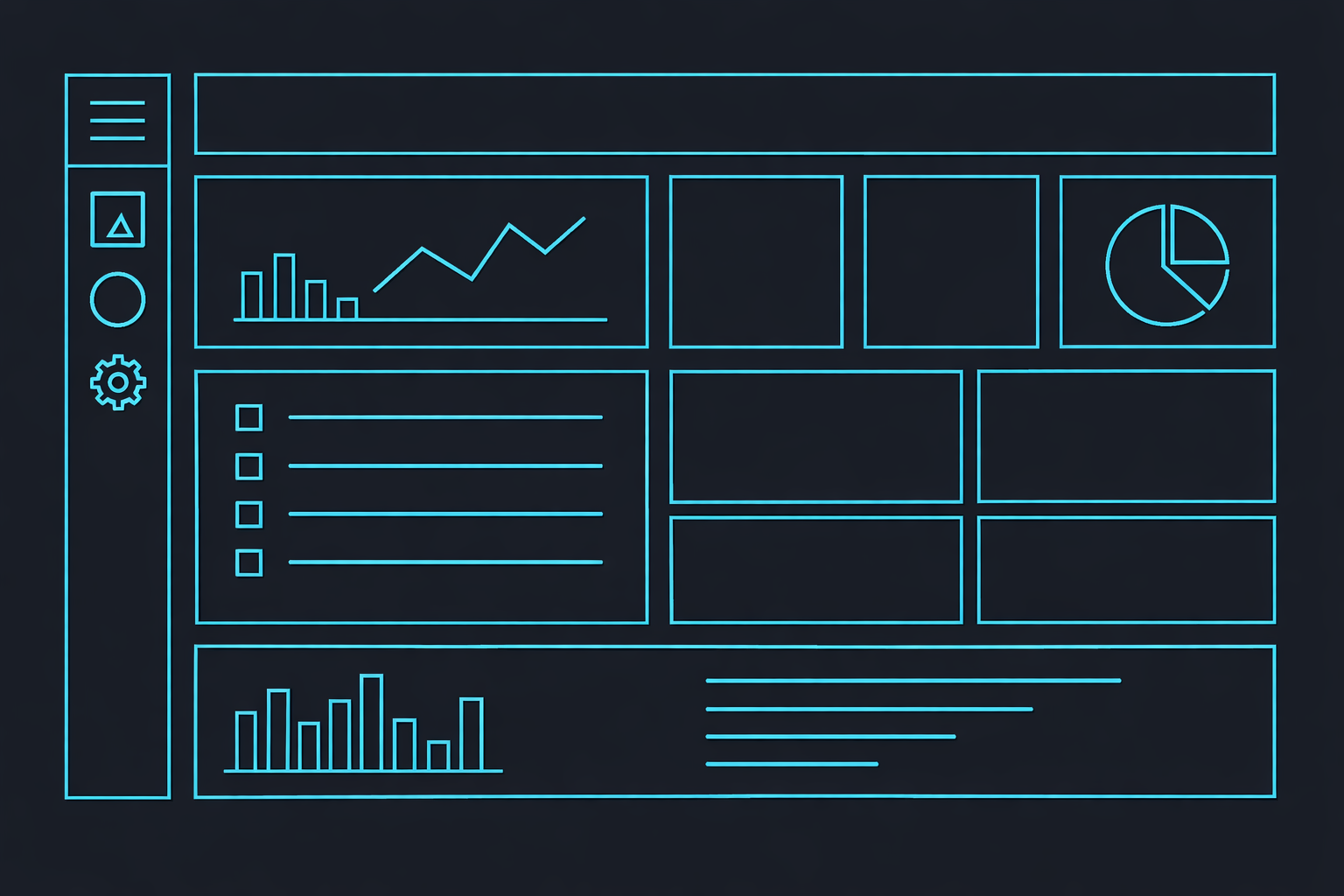
OpenKBS Studio is where you design and build your applications and AI systems.
Step 1 — Open a project in Studio
From the dashboard, select a project and click Open in Studio.
Step 2 — Explore the builder interface
Studio provides tools for:
- Editing apps
- Managing AI agents
- Testing functionality
Step 3 — Generate features with prompts
Use natural language prompts to generate interfaces, logic, and workflows.
Step 4 — Test your project
Preview your application directly in Studio before deploying it.